Find business leads from Google Maps and websites
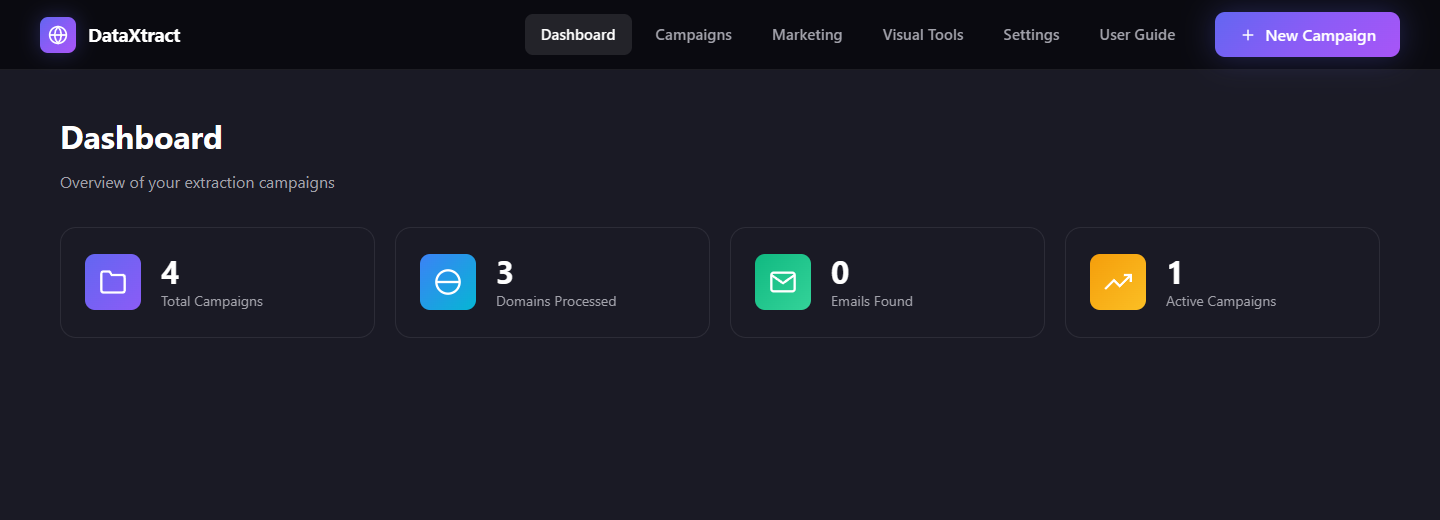
DataXtract Mini collects names, phone numbers, emails and social links into a spreadsheet you can export. Try the demo below, then install it free in about 5 minutes.
Why people use it
Everything runs on your own PC. No account, no monthly fee, no hosting bill.
Google Maps leads
Search “dentist in Austin” and get business names, phones, websites and ratings.
Website contacts
Paste a list of websites and pull emails, phones, social links and technology.
Export anywhere
Download results as Excel, CSV or JSON and use them in any CRM.
Free forever
Your computer is the server, so there is nothing to pay for hosting.
Demo vs. installed app
The live demo is for looking around. To collect real data, install it on your computer.
Live demo
In your browser, nothing to install
- See every screen and button
- Run a pretend campaign with sample data
- Cannot extract real data
Installed app
On your Windows, Mac or Linux computer
- Extract real leads from Maps and websites
- Export to Excel, CSV and JSON
- Free, with no hosting charges
How to install (5 minutes)
No coding knowledge needed. Follow these steps once. After that, starting the app takes one command.
Install Node.js and Chrome
Node.js is the free program that runs DataXtract. Download the LTS version and click Next through the installer. You also need Google Chrome or Microsoft Edge (you probably have one already).
Download DataXtract Mini
Download the ZIP file, then right-click it and choose Extract All (on Mac, just double-click it). You will get a folder named DataXtract-Mini-main.
Open a terminal in that folder
A terminal is a window where you type commands. Pick your computer:
- Open the DataXtract-Mini-main folder in File Explorer.
- Click the address bar at the top, type cmd and press Enter.
- A black window opens, already inside the folder.
- Open Finder and find the DataXtract-Mini-main folder.
- Right-click the folder and choose New Terminal at Folder.
- If you don't see it: open Terminal, type cd and a space, drag the folder into the window, then press Return.
- Open the DataXtract-Mini-main folder in your file manager.
- Right-click inside it and choose Open in Terminal.
Install and start (one command)
Copy this, paste it into the terminal and press Enter. The first time takes a few minutes while it downloads what it needs.
npm run deployLeave this window open while you use the app. Closing it stops DataXtract.
Open the app in your browser
When the terminal says Server running, open this address:
http://127.0.0.1:3007Click New Campaign, enter a search like “cafe in London”, press Start and watch the leads come in.
Next time
Open a terminal in the same folder (step 3) and run:
npm startCommon questions
Stuck? These fix most problems.
Do I have to pay for hosting?
No. DataXtract runs on your own computer, so there is no hosting bill. You only pay if you choose to put it on an online server (around $5–10/month) so it runs 24/7 for other people.
Can I extract real data on this website?
No. The live demo only shows sample data. Real extraction needs the app installed on your computer (steps above).
“npm is not recognized” or “command not found”
Node.js is not installed yet, or the terminal was open before you installed it. Install Node.js (step 1), close the terminal, then open a new one (step 3).
“Port 3007 already in use”
DataXtract is probably already running in another terminal window. Use that one, or close it and run npm start again.
“Could not find Chrome” or the browser does not start
Install Google Chrome or Microsoft Edge, then run npm start again. If your antivirus blocks Chrome, allow Chrome and Node.js in its settings.
Do I need API keys or accounts?
Not for basic extraction. Email sending (SMTP), SMS (Twilio), email checking (ZeroBounce), AI and proxies are optional extras you can add later in Settings.
Like it? Buy me a coffee ☕
DataXtract Mini is free and built in spare time. A coffee helps keep it updated and adds new features.
Buy me a coffee